Beadboard Sheets Tool
Beadboard Sheets Tool
Calculate how many beadboard sheets or panels you need for your wainscoting or wall project. Supports both metric (meters/cm) and imperial (feet/inches) units – perfect for any home renovation worldwide.
Beadboard Sheets Tool: Accurately Calculate Panels for Your Wall Projects
When planning a home renovation or adding a touch of classic charm with beadboard wainscoting, one of the first questions you face is: How many sheets do I need? Buying too few panels can delay your project, while overspending adds unnecessary cost. The Beadboard Sheets Tool is designed to solve this problem, giving you precise calculations and practical guidance for any wall size. Whether you’re covering a single accent wall or an entire room, this tool makes planning simple, efficient, and accurate.
Why Use the Beadboard Sheets Tool?
Beadboard is a popular choice for wainscoting, ceilings, and accent walls, giving interiors a timeless, elegant look. But estimating the correct number of sheets can be tricky due to variations in wall dimensions, sheet sizes, and layout preferences. The Beadboard Sheets Tool addresses this challenge by providing:
-
Accurate panel counts based on wall dimensions and sheet size.
-
Extra material recommendations to account for cuts, waste, or mistakes.
-
Unit flexibility, supporting both metric (meters & cm) and imperial (feet & inches) systems.
-
A step-by-step guide to ensure proper vertical and horizontal coverage.
By using this tool, you save time, reduce waste, and avoid costly over-ordering, making your DIY or professional project more predictable and stress-free.
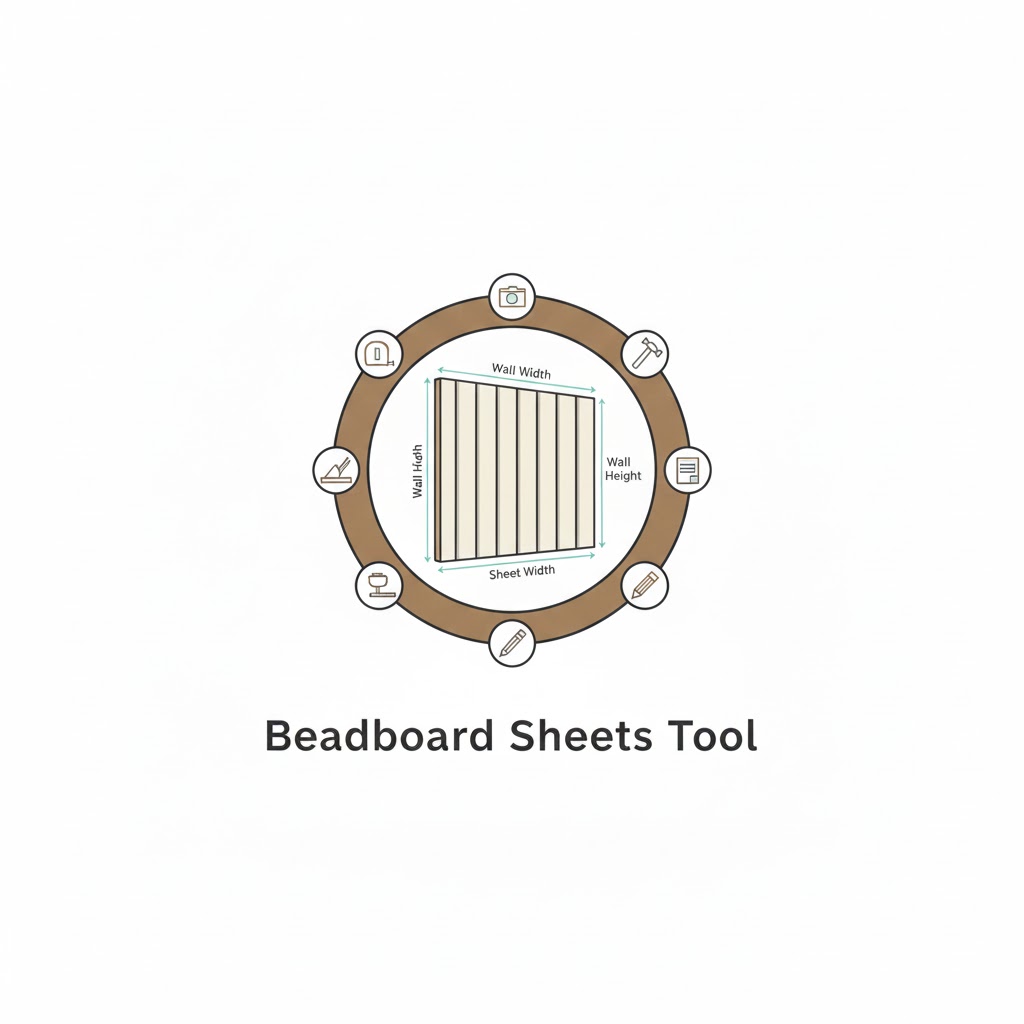
How the Beadboard Sheets Tool Works
The tool works by combining basic geometry with practical construction guidelines. Here’s a breakdown of its functionality:
1. Inputs Required
-
Unit System: Metric (meters/cm) or Imperial (feet/inches).
-
Total Wall Length: The full horizontal length of the wall to cover.
-
Beadboard Height: Desired vertical coverage (common wainscoting heights: 0.9–1.2 m or 3–4 ft).
-
Sheet Dimensions: Standard width and height of the beadboard panels.
-
Extra Percentage: Additional material to account for cuts, damage, or trimming.
2. Calculation Logic
The tool calculates in three steps:
-
Determine Vertical Rows Needed:
If the panel height is less than the desired wall height, multiple rows are stacked.
-
Calculate Sheets Horizontally per Row:
This ensures full coverage across the wall width.
-
Compute Total and Recommended Sheets:
This includes the extra percentage to account for waste.
3. Outputs Provided
-
Total area to cover (in sq meters or sq feet).
-
Sheet size used for planning.
-
Rows needed vertically for full coverage.
-
Minimum sheets needed based purely on dimensions.
-
Recommended sheets including waste allowance.
-
Installation advice, including tips on trimming, bead direction, and batch consistency.
Step-by-Step Examples
Example 1: Standard Wainscoting Wall
-
Wall Length: 4 m
-
Wall Height: 0.9 m
-
Sheet Size: 1.22 m × 2.44 m
-
Extra Material: 10%
Calculation:
-
Vertical rows:
ceil(0.9 / 2.44) = 1 -
Sheets per row:
ceil(4 / 1.22) = 4 -
Total sheets:
4 × 1 = 4 -
Recommended:
ceil(4 × 1.10) = 5 sheets
Practical Insight: One row of standard panels is sufficient for wainscoting up to 0.9 m, but order an extra sheet for cuts and errors.
Example 2: Full Room Wall
-
Wall Length: 6 ft
-
Wall Height: 8 ft
-
Sheet Size: 4 ft × 8 ft
-
Extra Material: 15%
Calculation:
-
Vertical rows:
ceil(8 / 8) = 1 -
Sheets per row:
ceil(6 / 4) = 2 -
Total sheets:
1 × 2 = 2 -
Recommended:
ceil(2 × 1.15) = 3 sheets
Practical Insight: Even for smaller walls, adding extra ensures proper alignment and matching grain.
Example 3: High Wainscoting
-
Wall Length: 12 m
-
Wall Height: 2 m
-
Sheet Size: 1.22 m × 2.44 m
-
Extra Material: 10%
Calculation:
-
Vertical rows:
ceil(2 / 2.44) = 1 -
Sheets per row:
ceil(12 / 1.22) = 10 -
Total sheets:
1 × 10 = 10 -
Recommended:
ceil(10 × 1.10) = 11 sheets
Tip: If height exceeds sheet height, multiple rows are stacked; always measure carefully before purchase.
Best Practices for Beadboard Installation
-
Beads should run vertically for a classic look.
-
Subtract doors/windows from wall length to avoid over-ordering.
-
Purchase from the same batch to maintain consistent color and bead spacing.
-
Add 10–15% extra sheets for trims, errors, or future repairs.
-
Use appropriate adhesives and nails for secure installation.
Related Tools to Enhance Your Project
-
Stair Stringer Length Tool – Perfect for custom stair designs alongside beadboard railings.
-
Handrail Length Estimator – Helps calculate precise handrail lengths for wainscoted stairs.
-
Explore more home improvement calculators to plan your next project efficiently.
Frequently Asked Questions (FAQs)
1. Can I use the tool for irregular wall shapes?
Yes, but for L-shaped or angled walls, divide the wall into sections and calculate each separately, then sum the sheets.
2. How do I decide on the extra material percentage?
For simple walls, 10% is sufficient. For complex layouts with many cuts or doors/windows, 15%–20% ensures you won’t run short.
3. Are the results accurate for both metric and imperial units?
Absolutely. The tool converts imperial values internally and provides results in both square meters or square feet, making it reliable worldwide.
Conclusion
The Beadboard Sheets Tool simplifies your wall paneling projects by accurately calculating the sheets needed, factoring in height, length, sheet size, and waste. Whether you are a DIY enthusiast or a professional contractor, this tool saves time, reduces errors, and ensures cost-efficient planning. Test different wall sizes, sheet dimensions, and extra percentages to optimize your project. With this tool, your next wainscoting project will be seamless, precise, and beautifully finished.