Locks and Latches Tool
Locks and Latches Estimator
Estimate the number of door locks, latches, and related hardware needed for residential or commercial projects worldwide.
Locks and Latches Tool: Your Ultimate Hardware Planning Companion
When planning a new home, remodeling a space, or upgrading security, determining the right number and type of door locks, latches, and hardware can be overwhelming. That’s where the Locks and Latches Tool comes in—a practical, easy-to-use calculator designed to estimate exactly what you need for any residential or commercial project. Whether you’re managing a small renovation or a large building plan, this tool ensures accuracy, efficiency, and cost savings.
Why You Need a Locks and Latches Tool
Imagine walking through a house under construction: some doors have missing locks, others have mismatched hardware, and the installation team is unsure how many keyed entry sets or privacy locks are needed. Mistakes like these can lead to extra costs, delayed timelines, and compromised security.
By using a door lock selection calculator, you can:
-
Accurately determine privacy locks for bedrooms and bathrooms.
-
Estimate keyed entry locksets for exterior doors.
-
Plan for passage sets where no locking mechanism is needed.
-
Factor in extras for spares or replacements.
This practical planning approach saves both money and time, while ensuring your project meets safety and functionality standards.
How the Locks and Latches Tool Works
The tool is designed with simplicity and precision in mind. Here’s a breakdown of how it calculates your hardware needs.
1. Inputs You Provide
-
Number of interior doors: Typically rooms without privacy requirements.
-
Number of exterior/entry doors: Where security is critical.
-
Privacy doors: Bedrooms, bathrooms, or offices needing privacy locks.
-
Closet or passage doors: Doors that don’t require locks.
-
Hardware type preference: Standard, smart locks, or commercial grade.
-
Extra percentage for spares: To account for damage, future needs, or matching finishes.
2. Calculation Logic
The tool follows a clear formula:
Example:
-
Interior doors: 15
-
Privacy doors: 6
-
Exterior doors: 3
-
Passage doors: 5
-
Extra: 10%
Calculation:
-
Passage sets = (15 – 6) + 5 = 14
-
Locksets = 6 + 3 = 9
-
Total sets = 14 + 9 = 23
-
With extra 10%:
ceil(23 * 1.10) = 26 sets
The result gives a complete inventory of hardware needed, ensuring no surprises during installation.
3. Outputs Provided
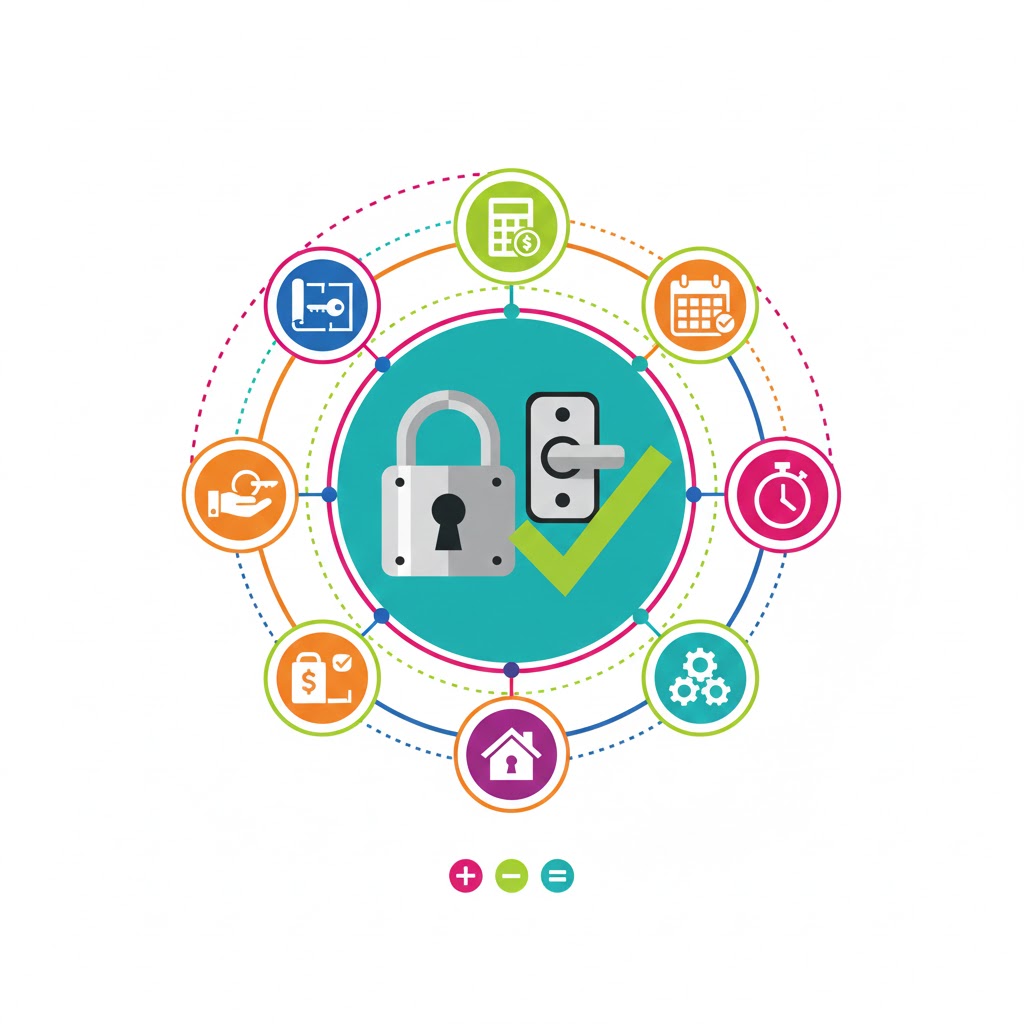
The tool delivers a clear, visual summary:
-
Privacy locksets
-
Keyed entry sets
-
Passage sets
-
Extra for spares
-
Total sets required
Additionally, it provides expert advice on installation, lock grades, and finish consistency, supporting informed decision-making.
Real-World Examples
Example 1: Residential Renovation
-
10 interior doors, 2 bathrooms, 2 closets, 1 exterior door, 10% spares.
-
Calculation:
-
Passage sets = (10 – 2) + 2 = 10
-
Locksets = 2 + 1 = 3
-
Total = 13 → With extra 10% = 15 sets
-
Why it matters: Saves trips to the hardware store and ensures all locks match.
Example 2: Small Office Upgrade
-
8 offices, 2 conference rooms (privacy), 1 main entrance, 2 storage closets, 15% spares.
-
Calculation:
-
Passage = (8 – 2) + 2 = 8
-
Locksets = 2 + 1 = 3
-
Total = 11 → With 15% extra = 13 sets
-
Why it matters: Prevents security gaps and helps plan budgets accurately.
Example 3: Large Commercial Project
-
50 interior doors, 20 bathrooms/offices, 5 exterior doors, 10 passage doors, 12% extra.
-
Calculation:
-
Passage = (50 – 20) + 10 = 40
-
Locksets = 20 + 5 = 25
-
Total = 65 → With 12% extra = 73 sets
-
Why it matters: Provides precise planning for procurement and installation teams.
Tips for Using the Tool Effectively
-
Always include 10–15% extra hardware for future replacements.
-
Choose the correct hardware type: Standard, Smart, or Commercial Grade.
-
Match finishes for visual consistency across your project.
-
Consider security rating: Grade 1 for exterior doors, Grade 2 for internal security.
-
Test different scenarios using the tool to plan for potential changes in project scope.
FAQs
1. Can I use smart locks for all doors?
Smart locks are recommended primarily for exterior/entry doors for security and convenience. Interior and privacy doors typically use standard locks.
2. How do I account for double doors?
Each leaf of a double door counts as one lockset if it requires independent locking. Adjust the inputs accordingly.
3. Is the extra percentage mandatory?
Not mandatory, but highly recommended to cover damage, replacements, or future expansions.
Related Tools You Might Find Useful
-
Drawer Slides Length Calculator – Plan your drawer hardware efficiently.
-
Shelf Brackets Spacing Estimator – Ensure your shelving units are strong and stable.
-
Explore more hardware calculators to simplify project planning.
Conclusion
The Locks and Latches Tool simplifies one of the most overlooked yet essential aspects of home and commercial projects: hardware planning. By calculating passage sets, privacy locks, keyed entry sets, and extra spares, it ensures that every door in your project is secure, functional, and aesthetically consistent. Test different scenarios, adjust for future needs, and take the guesswork out of hardware planning.
Start using the tool today to streamline your project, reduce errors, and confidently manage your hardware requirements.