Scrapbooking Paper Sheets Calculator
Scrapbooking Paper Sheets Calculator
Estimate how many patterned / solid scrapbook papers (12×12", A4, etc.) you need for your album, layout, or card project.
Scrapbooking Paper Sheets Calculator – Plan Your Craft Projects with Confidence
Scrapbooking Paper Sheets Calculator is often the first thing experienced scrapbookers wish they had used before starting a big project. If you’ve ever sat at your craft table halfway through an album, surrounded by beautiful patterned papers—but suddenly realized you’re short by five sheets—you already understand the problem this tool solves.
Scrapbooking is creative, emotional, and deeply personal. Whether you’re documenting a wedding, a baby’s first year, or everyday family memories, running out of paper breaks the flow and adds unnecessary cost. This scrapbook paper quantity calculator helps you plan smarter, buy only what you need, and enjoy the creative process without interruptions.
This guide is written from the perspective of someone who designs scrapbooking tools and actively crafts—so every explanation matches how the calculator actually works in real projects.
Why Accurate Paper Planning Matters in Scrapbooking
Scrapbooking isn’t just about photos—it’s about layers, textures, patterns, and storytelling. Most projects use more paper than beginners expect.
Common issues scrapbookers face:
-
Buying too little paper and paying extra shipping later
-
Buying too much paper that never gets used
-
Mixing different paper batches that don’t match
-
Forgetting to account for mistakes and test cuts
A reliable scrapbooking sheet estimator eliminates guesswork and replaces it with clear, repeatable logic.
What Is the Scrapbooking Paper Sheets Calculator?
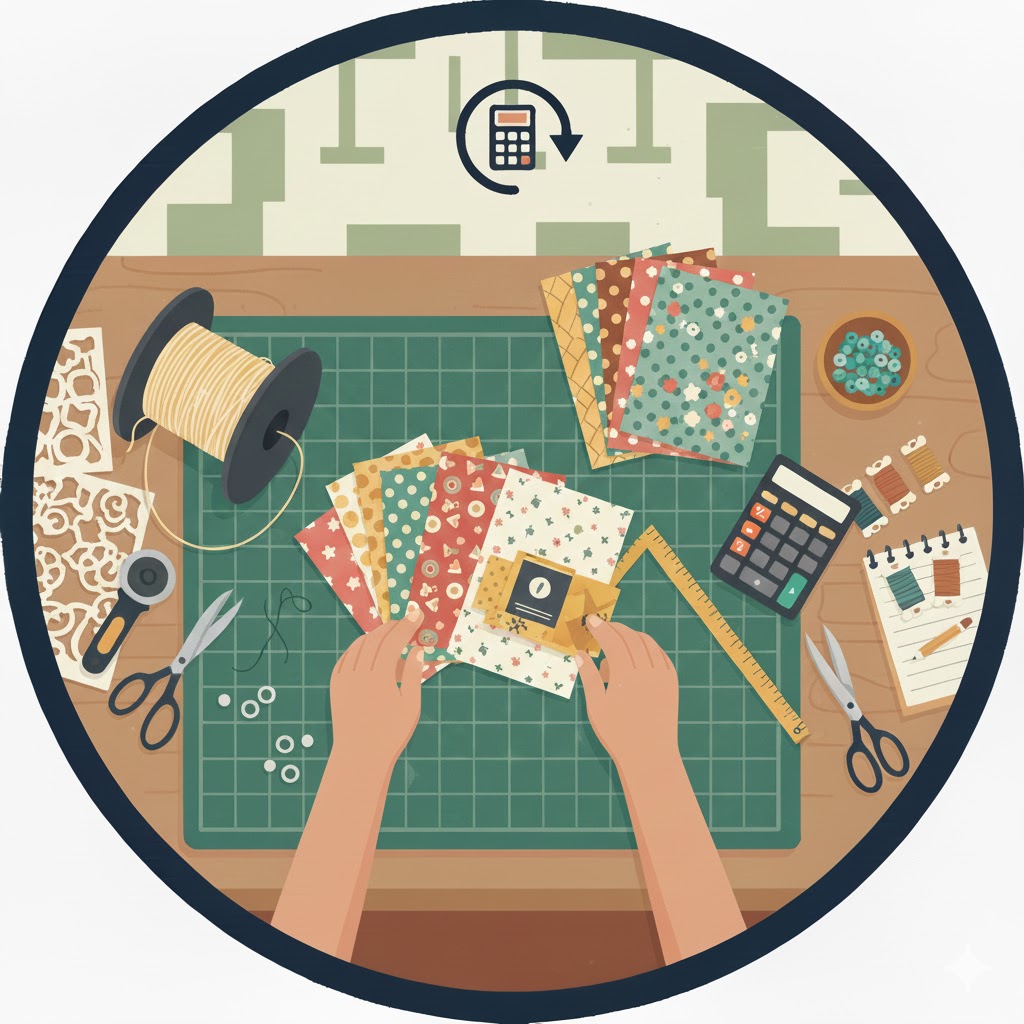
The Scrapbooking Paper Sheets Calculator is a practical craft paper planning tool designed to estimate how many full-size sheets you need for:
-
Scrapbook albums (front & back pages)
-
Single scrapbook layouts
-
Greeting cards (batch projects)
-
Mini albums and traveler notebooks
-
Custom memory book projects
Instead of vague estimates, it uses real crafting behavior—layers, page sides, and buffer percentages—to calculate a realistic paper count.
How the Scrapbooking Paper Sheets Calculator Works
This section is critical, especially if you want to trust the numbers you see.
Inputs You Provide
The calculator asks for only what actually affects paper usage:
-
Project Type
-
Album pages
-
Single layouts
-
Cards
-
Mini albums
-
Custom projects
-
-
Quantity
Total number of pages, layouts, or cards. -
Paper Size
-
12×12 inch (standard scrapbook size)
-
8.5×11 inch
-
A4
-
6×6 inch
-
-
Average Layers per Page
-
Minimal (1 layer)
-
Moderate (2–3 layers)
-
Heavy (4–6 layers)
-
Custom value
-
-
Extra Buffer (%)
Accounts for mistakes, testing, and creative changes.
The Core Calculation Logic (Explained Simply)
The calculator uses this structure:
Total Sheets = Quantity × Adjusted Layers × (1 + Buffer %)
But the adjusted layers change based on project type.
Project-Based Adjustments
-
Album pages:
Front + back → layers × 2 -
Cards:
Minimum of 2 layers (front + inside) -
Mini albums:
Smaller pages but more detail → layers × 1.5
This mirrors how scrapbookers actually work—not theoretical math.
Formula Example (Inline Explanation)
Let’s say you’re making:
-
20 album pages
-
2–3 layers per side (average = 2)
-
10% buffer
Calculation:
-
Base layers per page =
2 × 2 = 4 -
Total before buffer =
20 × 4 = 80 sheets -
With buffer =
80 × 1.10 = 88 sheets
Final result: You should plan for 88 sheets, rounded up.
This exact logic is what the calculator applies automatically.
Step-by-Step Real-Life Examples
Example 1: Family Memory Album (Beginner-Friendly)
Scenario:
You’re creating a 25-page family scrapbook using mostly photos and light embellishments.
-
Project: Album
-
Pages: 25
-
Layers: 2
-
Buffer: 20% (beginner-friendly)
Calculation:
-
Adjusted layers =
2 × 2 = 4 -
Base sheets =
25 × 4 = 100 -
With buffer =
100 × 1.20 = 120 sheets
Why this matters:
Beginners often underestimate mistakes. That 20% buffer prevents frustration and rushed reorders.
Example 2: Card-Making Batch for Holidays
Scenario:
You’re making 40 handmade holiday cards.
-
Project: Cards
-
Quantity: 40
-
Layers: 3
-
Buffer: 10%
Calculation:
-
Minimum layers enforced = 2
-
Sheets =
40 × 3 = 120 -
With buffer =
120 × 1.10 = 132 sheets
Result:
You know exactly how many patterned sheets to buy before starting.
Example 3: Mini Album with Heavy Layering
Scenario:
A 12-page mini album with lots of tags, flaps, and embellishments.
-
Project: Mini album
-
Pages: 12
-
Layers: 5
-
Buffer: 30%
Calculation:
-
Adjusted layers =
5 × 1.5 = 7.5 -
Base sheets =
12 × 7.5 = 90 -
With buffer =
90 × 1.30 = 117 sheets
Why this example matters:
Mini albums look small—but they consume more paper per inch than standard layouts.
Recommended Paper Pack Planning
The calculator also suggests paper pack quantities, assuming common 12-sheet packs.
Example:
-
88 sheets →
88 ÷ 12 ≈ 7.4 -
Recommended purchase: 8 packs
This protects you from buying almost enough, which is one of the most common crafting mistakes.
Practical Scrapbooking Tips from Experience
Based on real crafting workflows:
-
Solid cardstock usually needs 1–2 sheets per page for bases
-
Patterned paper often yields 2–4 elements per sheet
-
Fussy cutting increases waste by 15–30%
-
Buying by color family reduces leftover mismatches
-
Always keep scraps—future projects use them more than you expect
Related Craft Planning Tools You May Find Helpful
For a complete crafting workflow, pair this calculator with:
-
Card envelope sizing made easy using the
Card Making Envelope Size Estimator -
Paper fold limits for origami or inserts via the
Origami Paper Fold Count Tool -
Explore more smart calculators in the
Craft Tools collection
Each tool supports a different stage of creative planning.
Frequently Asked Questions
How accurate is this scrapbooking paper quantity calculator?
It’s designed around real crafting behavior, not ideal assumptions. By factoring in layers, project type, and buffer, it consistently overperforms manual estimates.
Should I include cardstock in this calculation?
This tool focuses on decorative and patterned paper. For best results, plan cardstock separately—usually 1–2 sheets per album page.
Can I test different layouts before buying paper?
Yes—and you should. Try adjusting layer counts and buffer percentages to see how design complexity affects total sheets. This improves planning accuracy.
Encourage Smart Craft Planning
One of the best ways to use this memory book paper usage planner is experimentation. Change:
-
Layer counts
-
Project types
-
Buffer percentages
You’ll instantly see how design choices affect supply needs—before you spend money.
Conclusion: Craft Smarter, Not Harder
The Scrapbooking Paper Sheets Calculator removes uncertainty from creative planning. Instead of guessing, you get clear numbers based on how scrapbookers actually work—layers, sides, mistakes, and all.
If you care about:
-
Saving money
-
Reducing waste
-
Keeping creative momentum
This tool belongs in your crafting routine. Pair it with related planning calculators, test multiple scenarios, and enjoy scrapbooking the way it should be—focused, joyful, and interruption-free.