Total Project Cost Breakdown Calculator
Total Project Cost Breakdown Calculator
Estimate the detailed cost breakdown for your project across major categories. Supports general, construction, software, and other project types with industry benchmarks.
Total Project Cost Breakdown Calculator: Accurately Estimate Every Expense in Your Project
Managing a project can quickly become overwhelming when costs pile up across multiple areas. Whether you’re planning a construction project, developing software, or managing a business initiative, knowing how your budget is allocated is critical. The Total Project Cost Breakdown Calculator is designed to simplify this process, giving you a clear picture of how funds are distributed across labor, materials, overhead, contingency, and other key categories.
Imagine preparing a $500,000 project and not knowing whether you have enough allocated for equipment or unforeseen issues. This tool prevents such surprises, ensuring smarter planning and stronger financial control.
Why a Total Project Cost Breakdown Matters
Understanding how your budget is divided is essential for:
-
Avoiding cost overruns: You can identify categories where expenses might exceed the planned allocation.
-
Allocating resources effectively: Prioritize critical areas like labor or materials to maintain project quality.
-
Risk management: Including a contingency reserve ensures you’re prepared for unexpected costs.
-
Reporting and accountability: Clearly broken-down budgets make it easier to justify spending to stakeholders or investors.
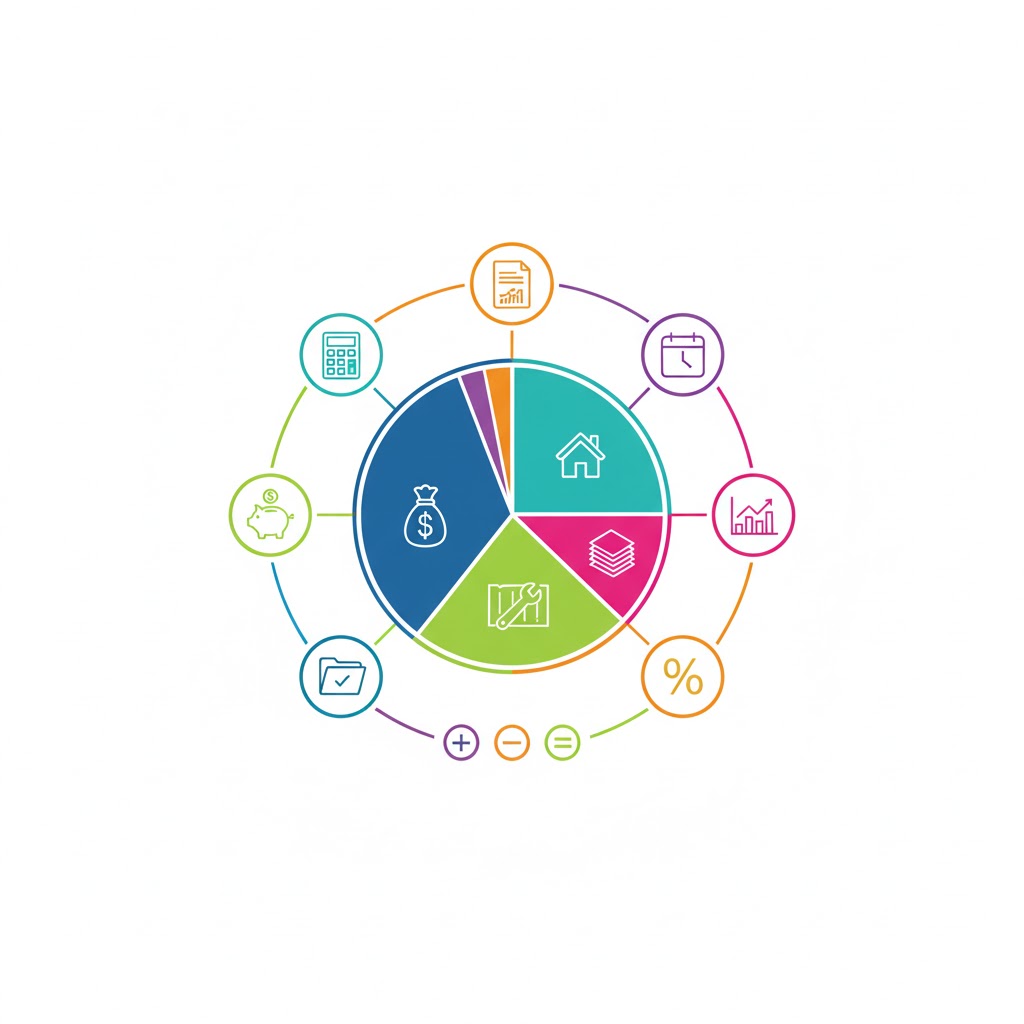
Using this calculator, you can instantly see the percentage of your total budget going to each category and adjust accordingly.
How the Calculator Works
The Total Project Cost Breakdown Calculator uses a simple, yet robust methodology to estimate project costs:
-
Inputs You Provide:
-
Total Budget (excluding contingency): The baseline amount you’re prepared to spend.
-
Currency: Choose your preferred unit (USD, EUR, GBP, INR, PKR, or other).
-
Project Type: Options include General, Construction, Software Development, or Manufacturing.
-
Contingency Reserve (%): Recommended 5–15% to cover unexpected expenses.
-
-
Internal Logic and Calculation:
Each project type has predefined category percentages, based on industry standards. For example:Construction Project Example:
Formula for each category:
If a $500,000 construction budget is entered:
-
Labor = 500,000 * 0.35 = $175,000
-
Materials = 500,000 * 0.40 = $200,000
-
Equipment = 500,000 * 0.10 = $50,000
-
Subcontractors = 500,000 * 0.10 = $50,000
-
Overhead = 500,000 * 0.05 = $25,000
-
-
Contingency Addition:
If a 10% contingency is selected:Continuing the example:
-
Contingency = 500,000 * 0.10 = $50,000
-
Grand Total = 500,000 + 50,000 = $550,000
-
-
Outputs:
-
Individual category cost and percentage
-
Contingency amount (if selected)
-
Grand Total
-
Advisory tips and benchmark comparisons
-
This logic ensures accuracy, transparency, and actionable insights.
Practical Scenarios: Step-by-Step Examples
Example 1: General Business Project
-
Budget: $200,000
-
Project Type: General
-
Contingency: 10%
| Category | % Allocation | Amount ($) |
|---|---|---|
| Labor / Personnel | 40% | 80,000 |
| Materials / Supplies | 20% | 40,000 |
| Equipment / Tools | 10% | 20,000 |
| Overhead / Admin | 15% | 30,000 |
| Marketing / Travel | 10% | 20,000 |
| Profit / Margin | 5% | 10,000 |
| Contingency | 10% | 20,000 |
| Grand Total | — | 220,000 |
Tip: Adjust contingency if your project is high-risk or uncertain.
Example 2: Software Development Project
-
Budget: $120,000
-
Project Type: Software
-
Contingency: 5%
| Category | % Allocation | Amount ($) |
|---|---|---|
| Development / Engineering | 50% | 60,000 |
| Design / UX/UI | 15% | 18,000 |
| Testing / QA | 15% | 18,000 |
| Project Management | 10% | 12,000 |
| Infrastructure / Tools | 10% | 12,000 |
| Contingency | 5% | 6,000 |
| Grand Total | — | 126,000 |
Example 3: Manufacturing / Production Project
-
Budget: $400,000
-
Project Type: Manufacturing
-
Contingency: 15%
| Category | % Allocation | Amount ($) |
|---|---|---|
| Raw Materials | 45% | 180,000 |
| Labor | 25% | 100,000 |
| Machinery / Maintenance | 15% | 60,000 |
| Overhead / Utilities | 10% | 40,000 |
| Quality Control | 5% | 20,000 |
| Contingency | 15% | 60,000 |
| Grand Total | — | 460,000 |
These examples demonstrate how precise budgeting avoids surprises and supports financial planning.
Key Features and Benefits
-
Dynamic Budget Allocation: Change inputs to instantly see category updates.
-
Supports Multiple Project Types: Construction, software, general business, and manufacturing.
-
Contingency Planning: Adds recommended reserves automatically.
-
Global Relevance: Works in multiple currencies including USD, EUR, GBP, INR, and PKR.
-
Practical Insights: Advisory section offers actionable tips and industry benchmarks.
Explore other useful tools:
Noise Reduction Estimator for soundproofing projects
Carbon Footprint Reduction Tool to manage environmental impact
Home Improvement Calculators for construction or renovation budgeting
Tips for Maximizing Accuracy
-
Use realistic budgets reflecting true costs for labor, materials, and overhead.
-
Adjust contingency according to project risk. High-risk projects benefit from 15%, low-risk may use 5%.
-
Track actual spending vs planned allocations to prevent overruns.
-
Iterate multiple scenarios in the calculator to optimize resource allocation.
FAQs
1. Can I use this calculator for small projects?
Yes! The tool scales from small projects to multi-million-dollar initiatives. Just enter your actual budget.
2. How is contingency calculated?
Contingency is a percentage of your total budget to cover unexpected expenses:
3. Can I adjust the category percentages?
Currently, the tool uses industry-standard benchmarks, but you can manually adjust inputs like total budget or contingency to simulate different scenarios.
Conclusion
The Total Project Cost Breakdown Calculator provides clarity, accuracy, and actionable insights for any project. By breaking down budgets into categories, adding contingency, and calculating grand totals, it helps you make informed financial decisions, avoid surprises, and optimize resources.
Take a few minutes to enter your project details, test different scenarios, and see exactly how your budget can be allocated. With this tool, every dollar has a purpose, and every project can stay on track.