VR Headset Room Scale Space Calculator
VR Headset Room Scale Space Calculator
Check if your space is suitable for room-scale VR gaming. Enter your available play area dimensions to see compatibility with popular headsets like Meta Quest, Valve Index, HTC Vive, and more.
VR Headset Room Scale Space Calculator: How to Maximize Your VR Play Area
Virtual reality has transformed home gaming, offering experiences that range from seated adventures to fully immersive room-scale gameplay. But how do you know if your space is ready for room-scale VR? That’s where the VR Headset Room Scale Space Calculator comes in. Designed to help content creators, gamers, and VR enthusiasts, this tool measures your available play area and evaluates its compatibility with popular headsets like Meta Quest, Valve Index, HTC Vive, and more.
Imagine setting up your VR system only to realize you bump into furniture mid-game. With this calculator, you can avoid those frustrating moments and ensure safe, enjoyable gameplay. Let’s explore how this tool works, why it matters, and practical ways to optimize your VR space.
Why Room-Scale VR Space Matters
When playing in room-scale VR, your headset tracks movement across a designated area, giving you freedom to walk, duck, and interact naturally. Insufficient space can lead to:
-
Accidental collisions with furniture or walls.
-
Reduced immersion, limiting full-body movement.
-
Tracking issues, as sensors struggle in tight areas.
Using a VR play area calculator allows you to plan your setup efficiently, ensuring safety and the best experience. Room-scale VR is not just about space—it’s about quality movement, comfort, and long-term safety.
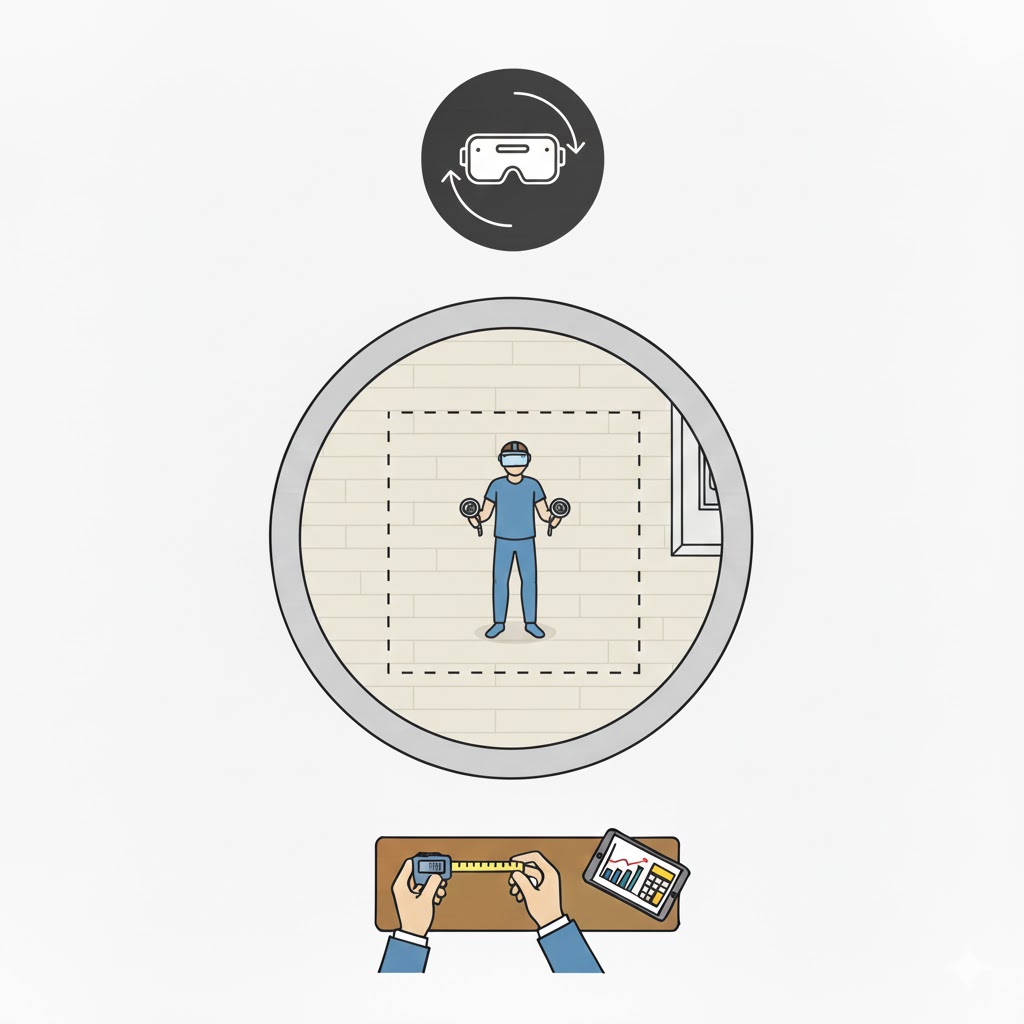
How the VR Headset Room Scale Space Calculator Works
Our room-scale VR space estimator evaluates your play area in three simple steps:
Step 1: Enter Your Play Area Dimensions
You provide:
-
Width and depth of the available floor space.
-
Unit system (metric in meters or imperial in feet).
-
VR usage style: seated, standing, or room-scale.
Step 2: Calculation Logic
The tool calculates your floor area with:
It then compares your space with headset requirements:
| VR Mode | Minimum Area | Recommended Area |
|---|---|---|
| Seated | 1 m² | 2 m² |
| Standing | 1 m² | 3 m² |
| Room-Scale | 3 m² | 12 m² |
It also converts imperial units to metric automatically using:
Step 3: Output Results
You get:
-
Play Area Dimensions (converted to both units if needed)
-
Room-Scale Compatibility (Excellent, Good, Adequate, Poor)
-
Quality Assessment (tight, ideal, or minimal space recommendation)
-
Safety advice and tips to maximize your play area
Step-by-Step Examples
Here are practical examples showing how the calculator works:
Example 1: Small Living Room (3 × 2.5 meters)
-
Calculation:
3 × 2.5 = 7.5 m² -
Compatibility: Good for room-scale, suitable for most Meta Quest games
-
Tip: Clear furniture near edges to prevent collisions
Example 2: Standing VR Only in Bedroom (2 × 1.8 meters)
-
Calculation:
2 × 1.8 = 3.6 m² -
Compatibility: Adequate for standing mode, but room-scale will feel tight
-
Tip: Stick to standing or seated VR games
Example 3: Large Playroom (4 × 4 meters)
-
Calculation:
4 × 4 = 16 m² -
Compatibility: Excellent for immersive room-scale VR
-
Tip: You can enjoy full locomotion and use complex games requiring space
By trying different dimensions, you can plan your ideal VR setup and anticipate limitations before buying hardware.
Core Features & Entities Covered
The calculator addresses all aspects of VR room-scale setup, including:
-
Headset tracking requirements (Meta Quest, HTC Vive, Valve Index)
-
Play area dimensions and safe movement planning
-
VR usage styles (seated, standing, room-scale)
-
Unit conversions for international users
-
Safety guidance, including obstacle clearance and guardian boundaries
It also links to related tech setup tools like:
These resources help creators optimize their entire setup, from audio and lighting to VR space.
Practical Tips for Optimizing VR Space
-
Measure Actual Clear Floor Space: Remove rugs, furniture, and cords.
-
Use Safety Boundaries: Configure your VR guardian system to prevent accidental collisions.
-
Plan for Movement: A slightly larger area than the minimum improves comfort and immersion.
-
Adjust VR Usage Style: Switch to seated or standing mode if your area is tight.
-
Test With the Calculator: Try different width/depth values to see how your experience changes.
FAQs
Q1: Can I use this calculator for small apartments?
Yes! For seated or standing VR, even less than 2 m² can work. Room-scale VR is possible if you clear space and limit extreme movement.
Q2: Does it support both meters and feet?
Absolutely. You can select metric or imperial units, and the calculator converts them automatically.
Q3: Are the results headset-specific?
Yes. The tool considers typical headset requirements, including Meta Quest, HTC Vive, and Valve Index recommendations.
Conclusion
The VR Headset Room Scale Space Calculator simplifies planning your VR environment, ensuring safety, comfort, and optimal immersion. By entering your available space, choosing a VR mode, and checking compatibility, you can maximize gameplay quality and avoid frustration.
Try the calculator today, experiment with different dimensions, and explore related tools for a complete tech setup that supports immersive gaming and content creation.