Security Camera Field of View Calculator
Security Camera Field of View Calculator
Calculate the optimal field of view, coverage area, and recommended placement height for your security cameras based on lens type and mounting distance.
Security Camera Field of View Calculator: Optimize Coverage & Placement
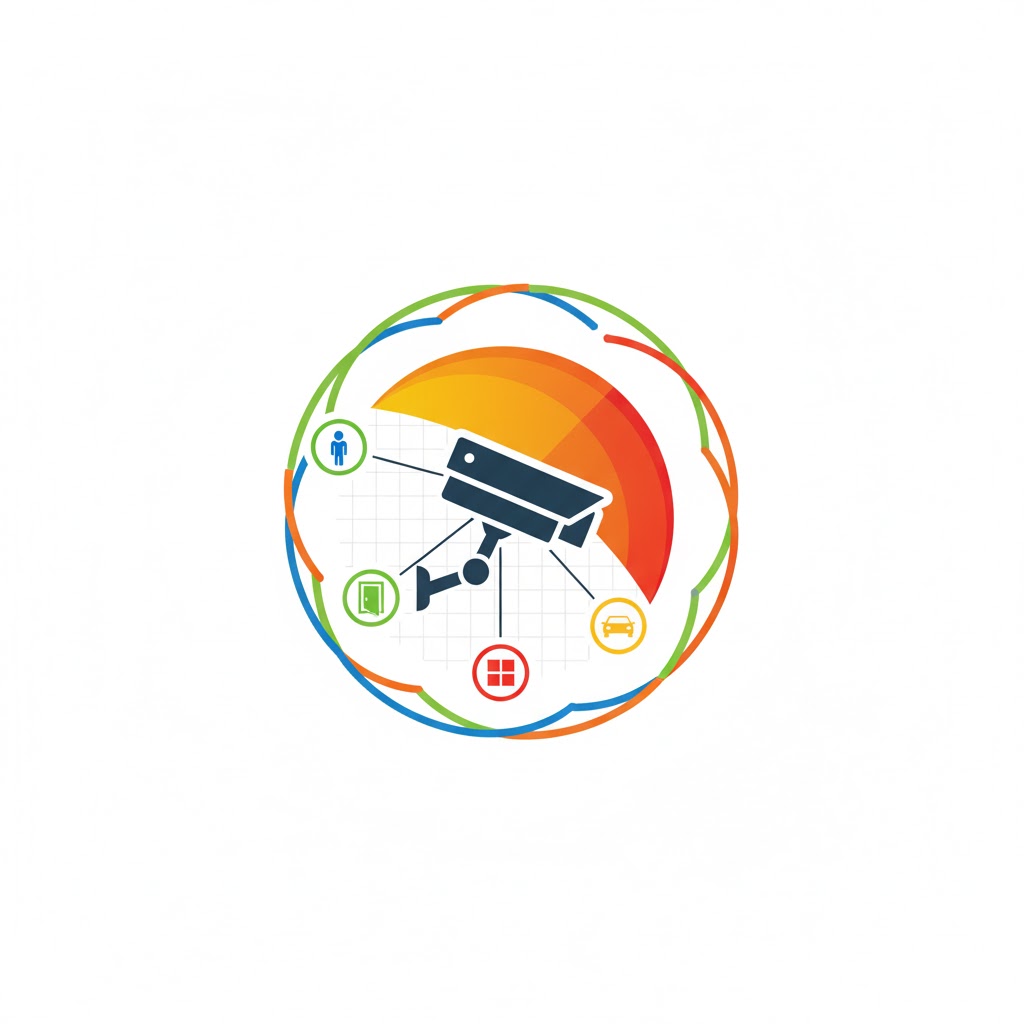
If you’ve ever installed a security camera, you know the frustration of blind spots, unclear faces, or wasted coverage. The Security Camera Field of View Calculator is designed to solve this problem. By simply entering your camera’s lens, mounting height, distance to the target area, and resolution, you can instantly determine the optimal coverage width, visible ground area, and pixels per meter needed for reliable surveillance.
Whether you’re securing your home, office, or parking lot, this tool ensures you make informed decisions without guessing. Imagine setting up a camera only to realize faces are blurry, license plates unreadable, or entire zones are missed—our calculator prevents that.
Why Field of View Matters
A camera’s field of view (FOV) determines how much area it can cover horizontally and vertically. Choosing the wrong FOV can result in:
-
Too wide: People appear small and details are lost.
-
Too narrow: Important areas fall outside the frame.
-
Wrong height: Faces and objects might be partially obscured.
By calculating FOV correctly, you ensure each camera serves its purpose, whether for overview monitoring, facial recognition, or license plate identification.
How the Security Camera FOV Calculator Works
Our tool combines camera specs with practical formulas to give you precise guidance. Here’s a step-by-step breakdown:
Inputs You Provide
-
Camera Lens Focal Length (mm) – Affects the horizontal FOV:
-
Example: 2.8 mm lens ≈ 110° (wide)
-
12 mm lens ≈ 25° (narrow)
-
-
Mounting Height (meters) – Height from ground to camera.
-
Distance to Target Area (meters) – How far the camera needs to see.
-
Coverage Type – Overview, Recognition, or Identification.
-
Camera Resolution (MP) – Influences pixel clarity across the coverage area.
How Calculations Are Made
-
Horizontal FOV:
Derived from the lens focal length using the approximate formula: -
Vertical FOV:
-
Coverage Width:
Calculates how wide the camera sees at the target distance: -
Visible Ground Height:
Accounts for tilt and mounting height: -
Pixels per Meter (PPM):
Determines clarity at the target area: -
Suitability Check:
Each coverage type has a minimum PPM threshold:-
Overview: ≥80 PPM
-
Recognition: ≥150 PPM
-
Identification: ≥300 PPM
-
The calculator instantly tells you whether your current setup meets your surveillance goals.
Step-by-Step Examples
Example 1: Home Front Door
-
Lens: 3.6 mm
-
Mounting Height: 3 m
-
Distance: 8 m
-
Resolution: 4 MP
-
Coverage: Recognition
Calculation:
-
Horizontal FOV = 90°
-
Coverage Width =
2 × 8 × tan(90°/2)≈ 15.9 m -
Pixels per Meter =
2560 ÷ 15.9≈ 161 PPM
Result: Suitable for recognition of faces at the front door.
Example 2: Parking Lot
-
Lens: 6 mm
-
Mounting Height: 4 m
-
Distance: 20 m
-
Resolution: 8 MP
-
Coverage: Identification
Calculation:
-
Horizontal FOV = 55°
-
Coverage Width ≈
2 × 20 × tan(55°/2)≈ 20.8 m -
Pixels per Meter =
3840 ÷ 20.8≈ 184 PPM
Result: Not recommended for license plate identification; consider higher resolution or closer placement.
Example 3: Store Interior
-
Lens: 2.8 mm
-
Mounting Height: 2.5 m
-
Distance: 5 m
-
Resolution: 2 MP
-
Coverage: Overview
Calculation:
-
Horizontal FOV = 110°
-
Coverage Width ≈
2 × 5 × tan(110°/2)≈ 11.8 m -
Pixels per Meter =
1920 ÷ 11.8≈ 163 PPM
Result: Perfect for monitoring a wide store area.
Practical Tips for Optimal Camera Setup
-
Mounting Height: 2.5–3.5 m is ideal for faces and tamper prevention.
-
Tilt Angle: 15–30° downward covers the ground effectively.
-
Overlap Zones: Overlap coverage by 10–20% for seamless protection.
-
Lighting: Ensure good illumination; night-vision cameras help.
-
Resolution Matters: Higher MP cameras extend clear coverage distance.
Related Tools for Smart Home Setup
-
Doorbell Camera Wiring Estimator – Plan cable runs efficiently.
-
Network Cable Run Length Calculator – Ensure network reliability.
-
Smart Home Tools – Explore additional surveillance and automation calculators.
FAQs
Q1: Can I use a wide lens for identification purposes?
A: Wide lenses increase coverage but reduce pixel density. For identification (faces or license plates), use narrower lenses (6–12 mm) with higher resolution.
Q2: Does mounting height affect FOV?
A: Yes. Higher mounting increases visible ground coverage but may reduce facial or fine detail recognition. Balance height with lens and resolution.
Q3: How accurate is the calculator?
A: It provides a practical approximation based on lens, distance, and resolution. Real-world testing may require minor adjustments due to angles or obstructions.
Conclusion
The Security Camera Field of View Calculator transforms guesswork into precise planning. By understanding lens selection, mounting height, distance, and resolution, you can achieve perfect coverage tailored to your security needs.
Test multiple scenarios, tweak heights or lenses, and ensure your cameras deliver crisp, actionable footage. Combine this with other smart home tools like the Network Cable Run Length Calculator for a fully optimized setup.
With proper planning, your surveillance system can be both efficient and reliable, keeping your property safe while maximizing every camera’s potential.