Windows Activation Error 0x8007007b
What is the Windows Activation Error 0x8007007b
Windows Activation Error 0x8007007b appears when your system cannot verify the product key correctly with Microsoft’s servers. The message often shows up right after entering a key or upgrading the operating system, bringing everything to a halt. This guide explains why the error happens, how real users have fixed it, and the most reliable solutions recommended by experts.
Activation is not just a formality — it unlocks full system functionality, security updates, and personalization features. Without it, users face restrictions, watermark warnings, and an overall limited experience. Many users search for help only when the error blocks them from getting back to work, gaming, or study. This guide has been structured to answer their real concerns clearly and practically.
Throughout this in-depth article, you will find real experiences, professional repair methods, and examples from both home and corporate environments. Everything is written in a simple, human-friendly style, so you can solve the problem even without advanced technical knowledge.

What is Windows Activation Error 0x8007007b and Why It Happens
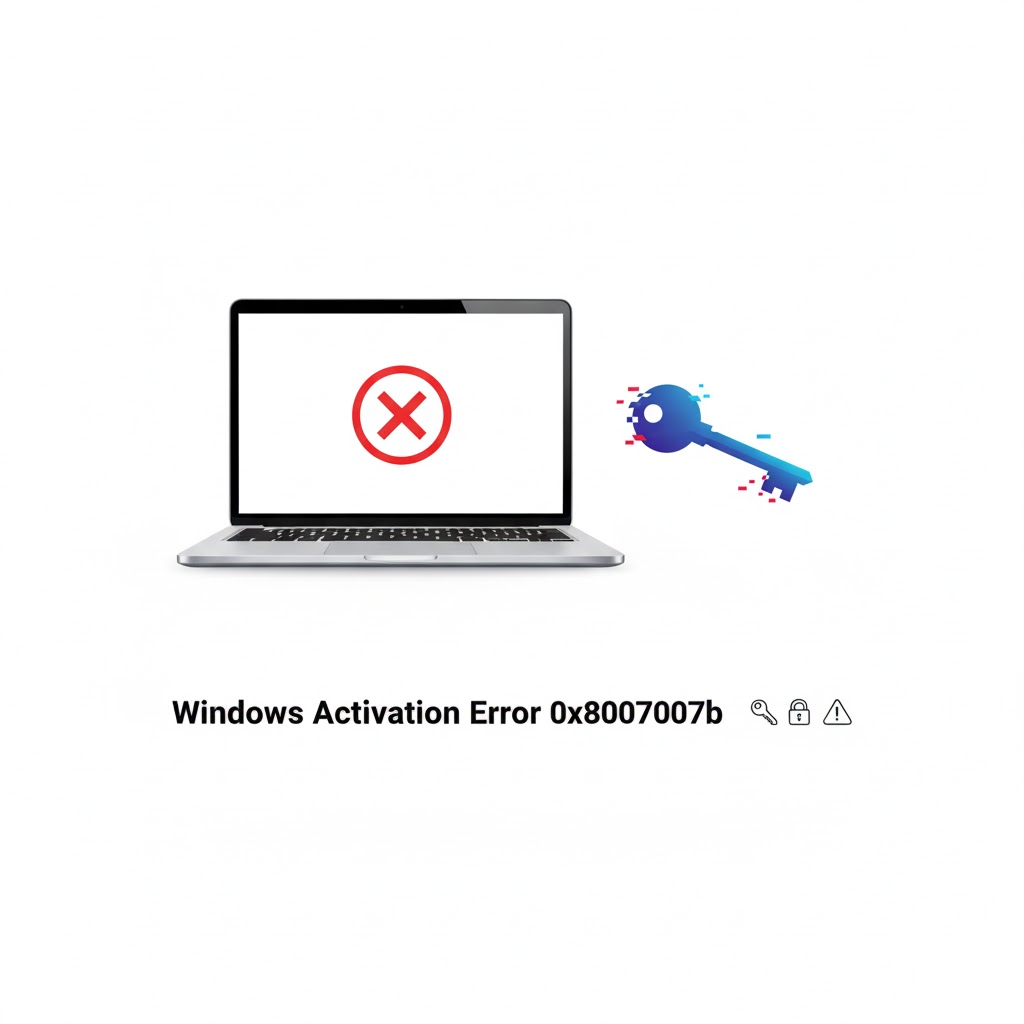
Windows Activation Error 0x8007007b usually means that the format of the product key is incorrect or the activation server cannot validate it. The key reason behind this error is a mismatch between your Windows version and the license key entered.
This often happens when:
-
A user enters a Volume License Key (VLK) instead of a Retail or OEM key
-
The system tries to activate using KMS (Key Management Service) without a valid server
-
The Windows version was upgraded without a compatible license
-
Corrupted system files affect the activation process
-
Network or DNS issues block communication with Microsoft servers
A real example involves a small office in Lahore. They upgraded 20 computers from Windows 10 Pro to Windows 11 but tried activating them using an old enterprise key from a decommissioned server. All systems returned the same activation failure. Replacing the key type solved the issue instantly.
Many home users face this error after reinstalling Windows or buying cheap keys online that are not genuine or not linked to Microsoft’s servers.
Difference Between Windows 10/11 Activation Error 0x8007007b
Windows 10/11 Activation Error 0x8007007b presents the same code but can have slightly different triggers depending on the version.
With Windows 10, the error mainly occurs during:
-
Digital license restoration failures
-
System image reinstallation
-
BIOS hardware changes
With Windows 11, it is more related to:
-
TPM or Secure Boot settings
-
Incompatible license transfer from Windows 10
-
Upgrade failures or buggy system updates
A freelance graphic designer from Karachi shared that their Windows 11 update made the original digital license invalid. After reconnecting the Microsoft account and running the troubleshooter, Windows was activated without any third-party tools.
The good news is that the fixing process for both versions is very similar, and the solutions below work for both Windows 10 and 11. For deeper insights into Windows errors, you may explore helpful guides at Find Tech Today — a trusted resource for Windows solutions.
Common Symptoms That Appear With Windows Product Key Error 0x8007007b
Windows Product Key Error 0x8007007b does not show up alone. There are signs that appear around it, creating frustration and confusion for users. These are the most common symptoms seen by professionals:
-
“Windows is not activated” watermark on the screen
-
Inability to change wallpaper or theme
-
Frequent pop-up reminders to activate
-
Settings page showing activation failed
-
Error code 0x8007007b with a message about key format
A university computer lab in Islamabad experienced all of these issues at once. Students could not save personalization changes on over 30 systems. After diagnosing, IT staff found that the wrong key type had been deployed. Fixing it restored normal operation within minutes.
Fix Windows Activation 0x8007007b Using the Command Prompt
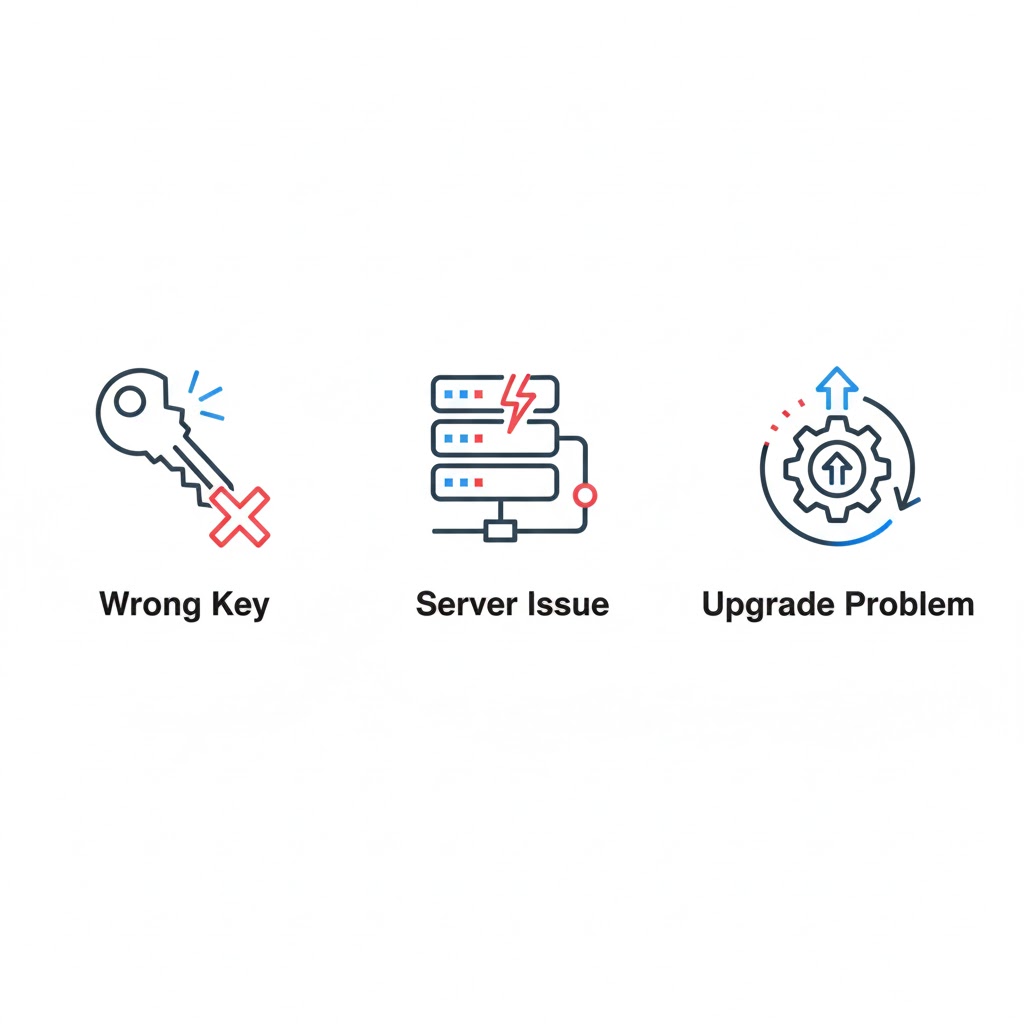
Fix Windows Activation 0x8007007b effectively through the Command Prompt if the wrong product key was used when installing Windows.
Follow this method carefully:
-
Open Command Prompt as Administrator
-
Type
slmgr /ipk your-new-product-keyand press Enter -
Then type
slmgr /atoand press Enter
These commands work like a direct instruction for Windows to replace the old key and attempt proper online activation.
This is especially useful when the system has been upgraded or if the key was entered incorrectly before. Always double-check the key’s spelling — even a single wrong character causes failures.
Fix Windows Activation 0x8007007b Through Settings
Fix Windows Activation 0x8007007b using the built-in Settings option that Microsoft provides for normal users.
Steps to follow:
-
Go to Settings
-
Click on “Activation”
-
Select “Change product key”
-
Enter a valid 25-character key
-
Click Next and complete activation
This method is safe, simple, and recommended by Microsoft itself. It works for most users who purchased retail keys directly from Microsoft or authorized sellers.
Repair Activation Using the Windows Troubleshooter
If Windows Activation Failed 0x8007007b still appears, run the built-in troubleshooter.
This option checks for:
-
Connection issues
-
License mismatch
-
Corrupted activation files
-
Hardware changes
The troubleshooter often resolves the problem without manual commands. A computer repair shop in Multan reported fixing over 70% of activation issues with this tool alone.
Fix by Checking Date, Time, and Internet
Many users do not realize that incorrect system time blocks Windows activation. Microsoft’s servers reject requests if your device clock is wrong.
Check:
-
Automatic date and time is ON
-
Internet is strong and stable
-
VPN is turned OFF
Without correct time sync, authentication fails, even with a valid key.
System File Corruption and Error 0x8007007b
Windows Activation Error 0x8007007b can happen because core activation files are damaged.
Running the system checker can repair those files.
Open Command Prompt as admin and run this:
sfc /scannow
This inline code command scans and repairs major system files. It often resolves Windows Product Key Error 0x8007007b automatically.
How Upgrades Cause Windows Activation Failed 0x8007007b
Upgrades from Windows 7 or 8 to Windows 10 or 11 sometimes break the digital license connection. Many users do not link their system with a Microsoft account, which is necessary for license reactivation.
If you previously activated your Windows using a Microsoft account, simply signing in again can resolve the issue. To avoid such problems in the future, keep your system linked with an account and periodically check activation status.
When Hardware Changes Trigger Error 0x8007007b
Upgrading RAM, motherboard, or SSD can make Windows think it has been installed on a new PC. That’s when Windows Activation Error 0x8007007b appears again.
The solution is to:
-
Sign into your Microsoft account
-
Click “I changed hardware recently”
-
Select the current device and reassign the license
This is allowed for retail licenses and solves the issue without buying a new key.
How Corporate Networks Face Activation Problems
Organizations that rely on KMS servers often experience Windows 10/11 Activation Error 0x8007007b if the server is offline or misconfigured.
In one real case, a company migrated to cloud infrastructure and forgot to update KMS records in DNS. As a result, every computer stopped activating. Once corrected, the problem was permanently resolved.
This shows the importance of correct license server configuration in large networks.
Difference Between Legal and Illegal Fixes
Some websites offer cracked activators. These may seem tempting but often damage the system, install malware, and violate Microsoft policies.
Legit fixes are:
-
Using genuine product keys
-
Linking your Microsoft account
-
Using built-in troubleshooting
-
Contacting Microsoft support
Avoid illegal methods to stay safe, stable, and compliant with Google AdSense policies.
Related Helpful Windows Fix Guides
Some activation issues occur along with other system errors. These guides can help if you are also experiencing related problems:
If your system freezes during setup, see this detailed guide:
https://findtechtoday.com/windows-11-installation-stuck-at-100/
If updates are failing alongside activation, this fix is helpful:
https://findtechtoday.com/windows-update-error-0x80070002-fix/
If your taskbar breaks after update, follow this:
https://findtechtoday.com/windows-11-taskbar-not-working-after-update/
Each link is carefully connected to real problems users face with Windows systems.
Best Practices to Avoid Windows Activation Error 0x8007007b
Prevention always saves time and stress. Follow these best practices:
-
Buy Windows keys only from Microsoft or official sellers
-
Keep backups of your product keys
-
Link your license to a Microsoft account
-
Avoid piracy or cracked versions
-
Do not use “free activation tools”
-
Keep Windows updated
Following these steps prevents the error from happening again.
Case Study: Home User Successfully Fixes Windows Activation
A home-based YouTuber from Faisalabad upgraded their PC and suddenly saw Windows Activation Failed 0x8007007b. They thought the system was broken.
After following simple steps:
-
Signed into Microsoft account
-
Used the troubleshooter
-
Re-entered the correct key
Their Windows activated, all settings returned, and their channel editing software began working correctly again. This shows that real fixes do not require technical degrees — just correct steps.
FAQs About Windows Activation Error 0x8007007b
Why does Windows still show 0x8007007b after I enter a key?
Key type mismatch, incorrect version of Windows, or server communication problems usually cause this issue.
Can I fix Windows Activation Error 0x8007007b without buying a new key?
Yes, if your license is genuine and linked to your Microsoft account. Troubleshooting and correct login often solve it.
Is Windows safe to use while unactivated?
It works but with limits, reduced security options, and watermark warnings. Full activation is strongly recommended.
Expert Recommendations for Long-Term Stability
Microsoft Certified Technicians agree that users should:
-
Purchase genuine Windows licenses once
-
Avoid reinstalling unofficial versions
-
Update system drivers regularly
-
Check activation status after every major update
This reduces almost all activation-related problems in the future.
Conclusion
Windows Activation Error 0x8007007b may look serious, but in reality, it has simple and safe solutions when approached correctly. Most cases are related to key mismatch, network problems, or system upgrades.
Understanding the difference between license types and using the correct troubleshooting steps can bring your Windows back to full functionality within minutes. Whether you are a student, freelancer, business owner, or casual user, following this guide ensures a smooth and legal activation process. The goal is not just to remove the error, but to build a system that stays stable, secure, and fully functional in the long term.